

Home
ReachOwl

Message WhatsApp contacts from CSV

Message WhatsApp contacts from CSV

Upload phone contacts via CSV and run WhatsApp messaging campaigns against that list from your real browser session in ReachOwl.

See also the WhatsApp messaging product page and API and webhook docs.

Overview

ReachOwl WhatsApp CSV contact messaging lets you upload phone numbers and run messaging campaigns against that list. It uses the same browser-based campaign workflow as ReachOwl’s other channels.
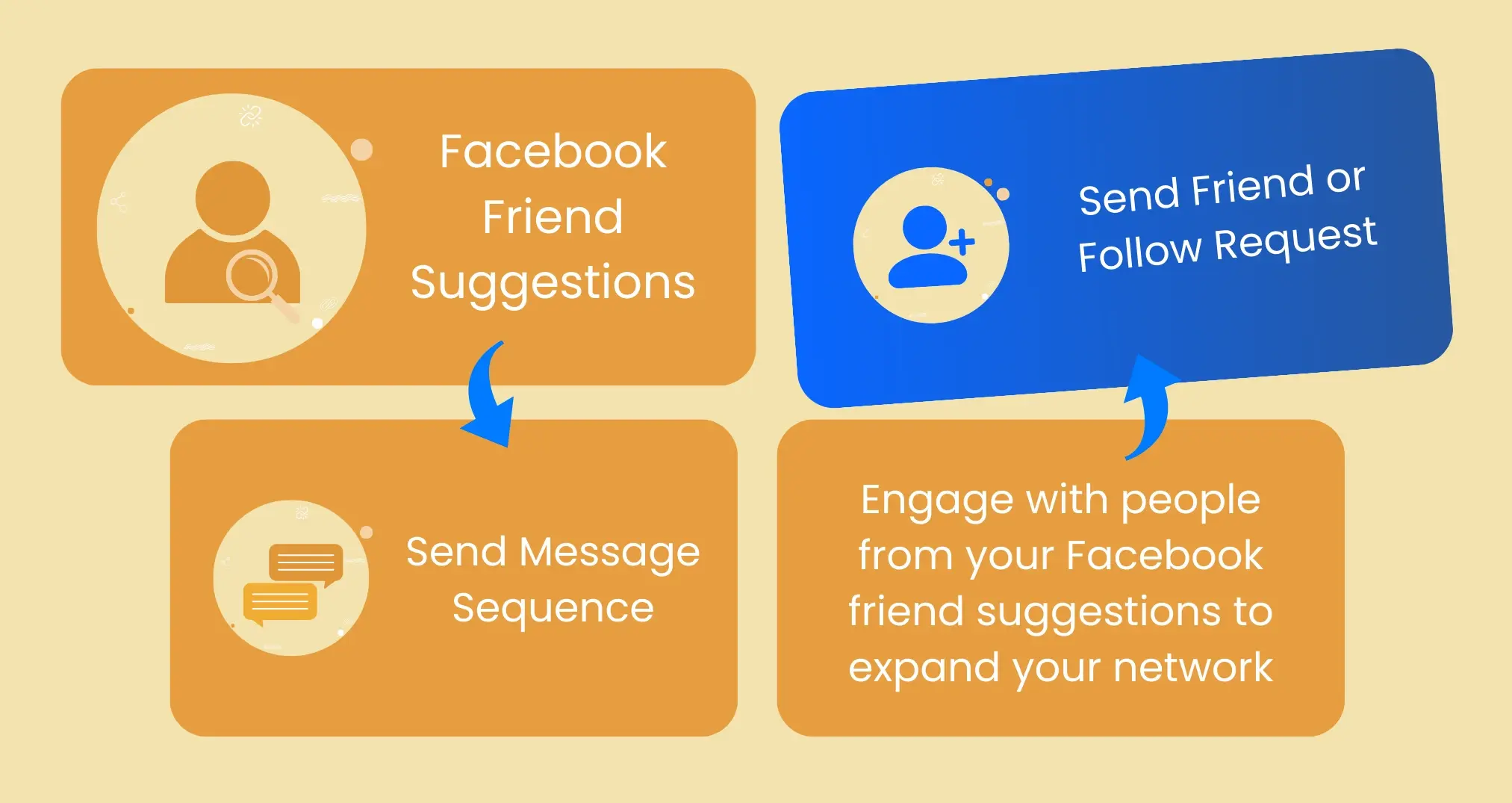
What You Give & What You Get

What you provide:

  • A WhatsApp account connected from the ReachOwl Browsers page.
  • A CSV of phone contacts you are allowed to message.
  • A message or message sequence for the campaign.

What you get:

  • List-based WhatsApp messaging campaigns.
  • Consistent follow-up without sending each message manually.
  • Local-session automation that keeps your login on your machine.

How This WhatsApp CSV Workflow Helps You

  • Work from your list – Upload contacts instead of scraping a group every time.
  • Stay consistent – Run the same sequence across the CSV audience.
  • Stay aligned with product docs – Details live on WhatsApp messaging; events are covered in the API and webhook docs.

How to Message WhatsApp CSV Contacts (Step-by-Step)

  1. Sign up or log in – Open your ReachOwl dashboard.
  2. Connect WhatsApp – Activate WhatsApp from the Browsers page.
  3. Prepare your CSV – Include phone contacts you are permitted to message.
  4. Create a campaign – Choose CSV / contact list as the audience source.
  5. Define the message sequence – Add steps and pacing.
  6. Launch and monitor – Start the campaign and review replies in ReachOwl.

Keep Track of CSV Campaign Results

  • Watch send progress for the uploaded contact list.
  • Respond to interested leads from your connected WhatsApp session.
  • Refine copy and timing for the next CSV batch.

Use ReachOwl now or learn more on the WhatsApp messaging page.