
Home
ReachOwl

Send Instagram DM Sequences to Post Commenters

Send Instagram DM Sequences to Post Commenters

Send a DM sequence to people who commented on an Instagram post

Overview

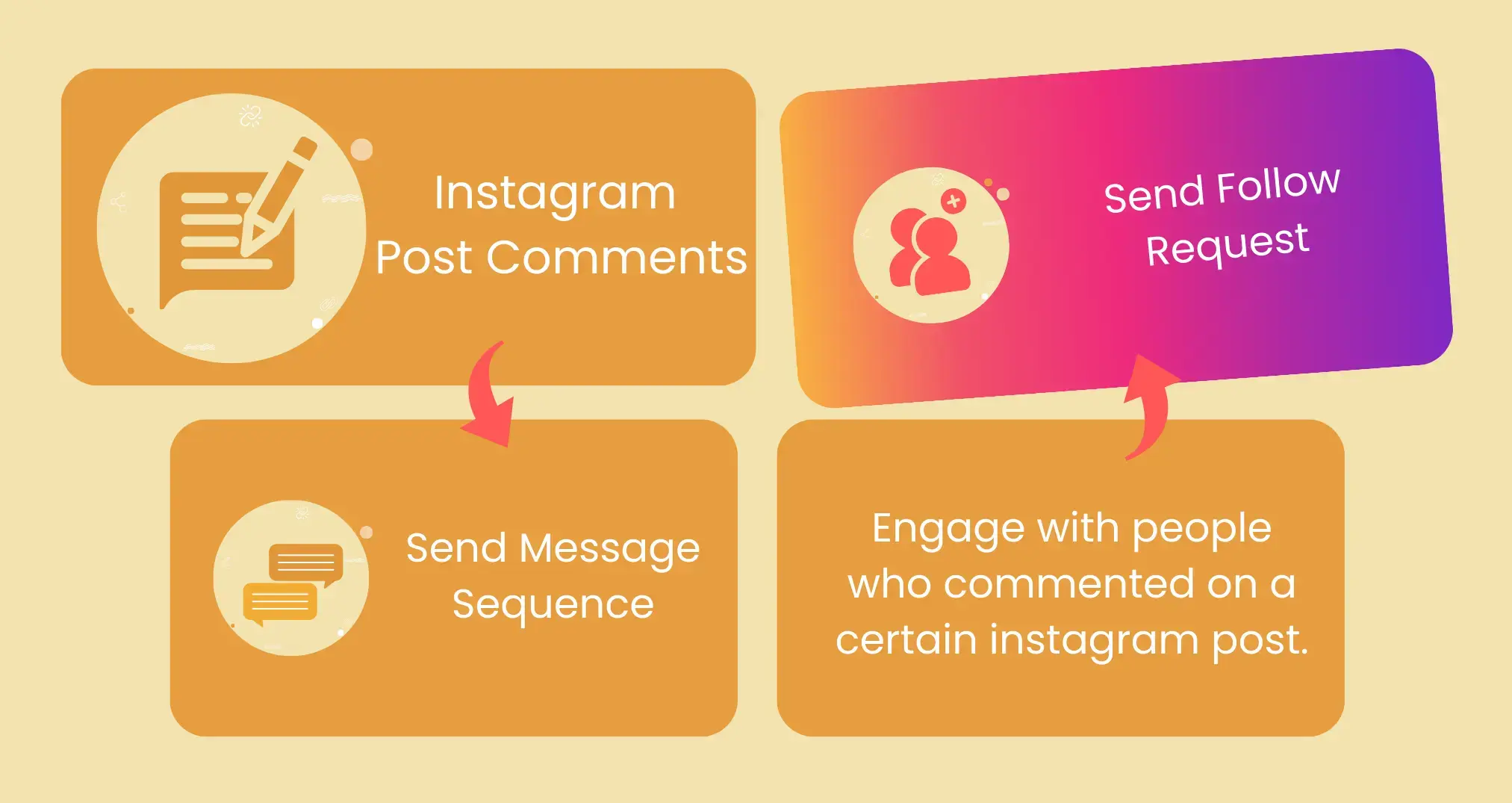
Want to follow up with people who already engaged with a post? This workflow sends personalized Instagram DM sequences to commenters on an Instagram post or ad—not to an influencer's followers list.

Provide the Instagram post URL, connect your account, and ReachOwl messages those commenters from your real browser session.

What You Give & What You Get

What You Provide:

  • The Instagram post url of which commentators you want to target.
  • Your Instagram account connected to ReachOWL’s automation system.
  • A well-crafted message sequence to engage your audience.

What You Get:

  • Automated direct messaging to targeted Instagram users.
  • Increased engagement and meaningful conversations.
  • More conversions and potential customers.

How This Instagram Automation Helps You

By using ReachOWL’s Instagram Message Sequence integration, you can:

  • Engage Your Target Audience – Send personalized messages to people already interested in similar content.
  • Save Time & Effort – No need to manually send messages; let the automation handle it.
  • Improve Response Rates – Structured sequences keep the conversation going and increase engagement.
  • Convert Leads Faster – Nurture prospects with a step-by-step message sequence.
  • Run Smarter Marketing Campaigns – Automate outreach and drive more conversions.

How to message Instagram post commenters (Step-by-Step)

  1. Sign Up or Log In – Access your ReachOwl dashboard.
  2. Connect Your Instagram Account – Securely link your Instagram profile to ReachOwl.
  3. Enter the Instagram post URL – Start by creating the campaign. Select the post-commenter audience source and paste the URL of the post whose commenters you want to reach.
  4. Choose Your Action – Select "Send Message Sequence" as your action type.
  5. Set Your Preferences – Define sending limits, delays, and filters to ensure organic engagement. At this step, you can also set up advanced CRM automation to track responses and optimize your campaign.
  6. Set Up Your Message Sequence:
    • Connection Request Message – First, send a friendly introduction or connection message to initiate the conversation.
    • Follow-Up Messages – Set up multiple follow-up messages to be sent at predefined intervals.
    • Custom Replies & Personalization – Use variables to personalize messages and improve engagement.
  7. Start the Automation – Activate the tool and let it run in the background.
  8. Monitor Results – Track responses, engagement, and campaign performance from your ReachOwl dashboard.

Keep Track of Your Instagram Growth

ReachOWL provides built-in tracking tools to help you:

  • Monitor Your Message Performance – See how many people open and respond to your messages.
  • Analyze Campaign Success – Check engagement rates and tweak your sequence for better results.
  • Export Data for Future Use – Download your contact list and campaign insights for further analysis.

Start engaging your Instagram audience today with ReachOWL’s Message Sequence automation and take your Instagram marketing to the next level!