

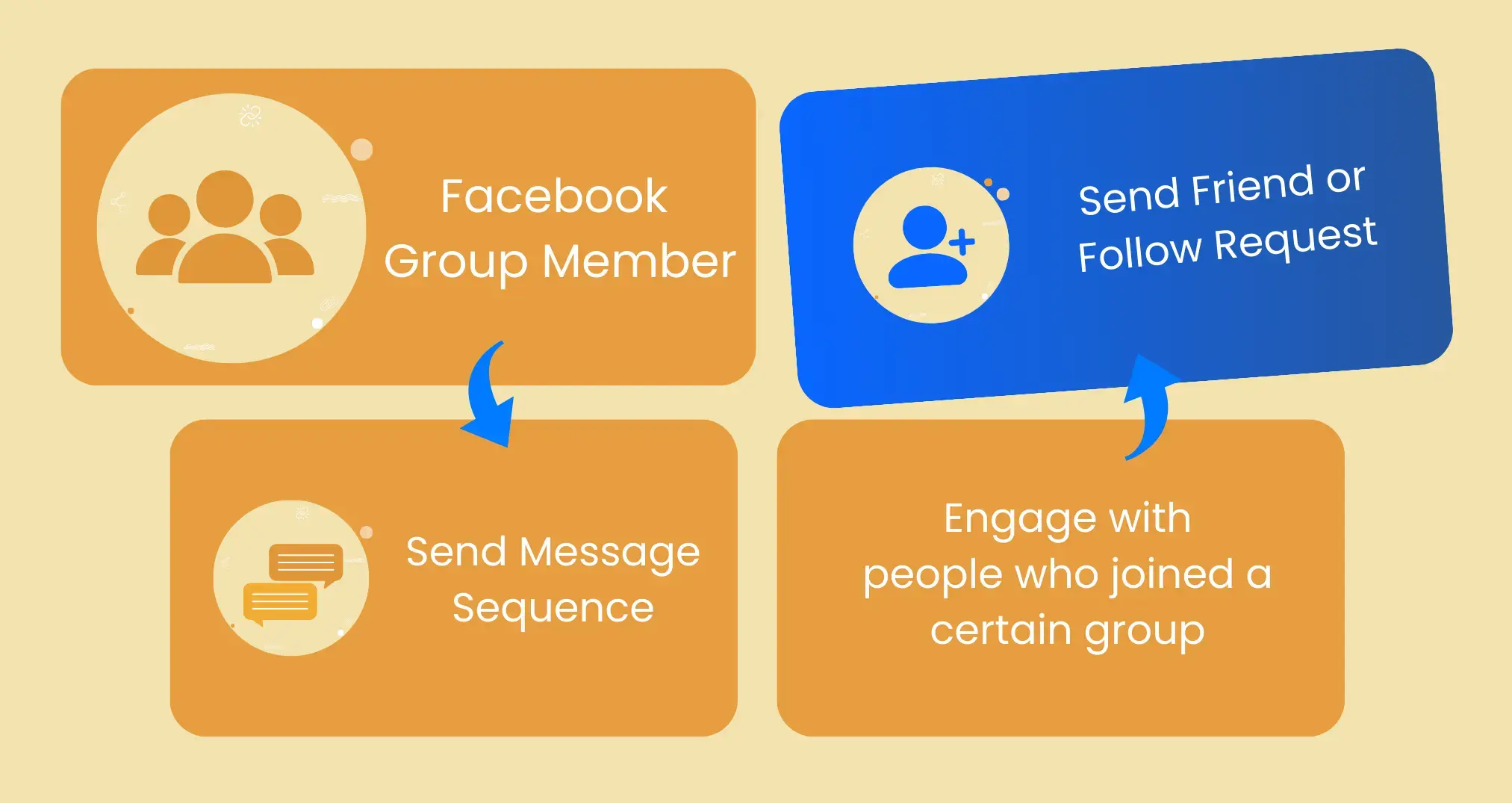
Send friend requests to members of a facebook group with ReachOWL
Our Facebook Auto-Friend request integration allows you to automatically send friend requests to the members of a facebook
Overview
Want to expand your facebook reach effortlessly? Our Facebook Auto-Friend request integration allows you to automatically send friend requests to the members of a facebook group. With this powerful automation, you can grow your network, increase engagement, and attract more relevant friends to your profile without spending hours manually sending friend requests.
Overview
Want to expand your facebook reach effortlessly? Our Facebook Auto-Friend request integration allows you to automatically send friend requests to the members of a facebook group. With this powerful automation, you can grow your network, increase engagement, and attract more relevant friends to your profile without spending hours manually sending friend requests.
What You Give & What You Get
What You Provide:
- URL of the facebook group of which members you want to target.
- Your Facebook account is connected to ReachOWL’s automation system.
What You Get:
- Automated friend requests to the targeted Facebook users who are likely to accept your friend requests.
- Increased profile visibility and engagement.
- More organic friends and potential customers.
How This Facebook Automation Helps You
By using ReachOWL’s Facebook Auto-Friend requests integration, you can:
- Expand Your Network – Friend users who are already interested in similar content and increase your chance of getting followed back or increase audience.
- Save Time & Effort – No need to manually send friend request; let the automation handle it for you.
- Improve Engagement – More friends mean higher engagement on your posts.
- Grow Your Brand or Business – Get more exposure and attract potential customers to your brand.
Run Smarter Marketing Campaigns – Target the right audience and increase your reach.
How to automatically send friend requests on Facebook with ReachOWL (Step-by-Step)
- Sign Up or Log In – Access your ReachOWL dashboard.
- Connect Your Facebook Account – Securely link your Facebook profile to ReachOWL.
- Enter facebook group URL – Enter URL of the facebook group, your primary account must be a member of this facebook group.
- Select "Send Friend Requests" – One next step you can choose to send them friend requests.
- Set Request Preferences – Define limits, delays, and filters to maintain organic engagement. At this step you can choose to also set up advanced CRM automation or send them a message along with the friend request (or after they accept it).
- Activate Automation – Start the tool and let it work in the background.
Monitor Results – Track accepted requests and engagement metrics in the dashboard.
Keep Track of Your Facebook Growth
ReachOWL provides built-in tracking tools to help you:
- Monitor Your Friends Growth – See how many people accepted your friend requests.
- Analyze Campaign Performance – Check engagement rates and adjust your strategy.
- Export Data for Future Use – Download your friends list and campaign insights for further analysis.
Start growing your Facebook friends today with ReachOWL’s Auto-Friend requests automation and take your Facebook marketing to the next level!
Overview
Want to expand your facebook reach effortlessly? Our Facebook Auto-Friend request integration allows you to automatically send friend requests to the members of a facebook group. With this powerful automation, you can grow your network, increase engagement, and attract more relevant friends to your profile without spending hours manually sending friend requests.
What You Give & What You Get
What You Provide:
- URL of the facebook group of which members you want to target.
- Your Facebook account is connected to ReachOWL’s automation system.
What You Get:
- Automated friend requests to the targeted Facebook users who are likely to accept your friend requests.
- Increased profile visibility and engagement.
- More organic friends and potential customers.
How This Facebook Automation Helps You
By using ReachOWL’s Facebook Auto-Friend requests integration, you can:
- Expand Your Network – Friend users who are already interested in similar content and increase your chance of getting followed back or increase audience.
- Save Time & Effort – No need to manually send friend request; let the automation handle it for you.
- Improve Engagement – More friends mean higher engagement on your posts.
- Grow Your Brand or Business – Get more exposure and attract potential customers to your brand.
Run Smarter Marketing Campaigns – Target the right audience and increase your reach.
How to automatically send friend requests on Facebook with ReachOWL (Step-by-Step)
- Sign Up or Log In – Access your ReachOWL dashboard.
- Connect Your Facebook Account – Securely link your Facebook profile to ReachOWL.
- Enter facebook group URL – Enter URL of the facebook group, your primary account must be a member of this facebook group.
- Select "Send Friend Requests" – One next step you can choose to send them friend requests.
- Set Request Preferences – Define limits, delays, and filters to maintain organic engagement. At this step you can choose to also set up advanced CRM automation or send them a message along with the friend request (or after they accept it).
- Activate Automation – Start the tool and let it work in the background.
Monitor Results – Track accepted requests and engagement metrics in the dashboard.
Keep Track of Your Facebook Growth
ReachOWL provides built-in tracking tools to help you:
- Monitor Your Friends Growth – See how many people accepted your friend requests.
- Analyze Campaign Performance – Check engagement rates and adjust your strategy.
- Export Data for Future Use – Download your friends list and campaign insights for further analysis.
Start growing your Facebook friends today with ReachOWL’s Auto-Friend requests automation and take your Facebook marketing to the next level!